Last updated June 28, 2026 · 4 min
Bootstrapping a Second Brain with Obsidian and Claude Code (Part 1)
How to automatically generate an Obsidian vault using Andrej Karpathy's minimal structure via Claude Code.
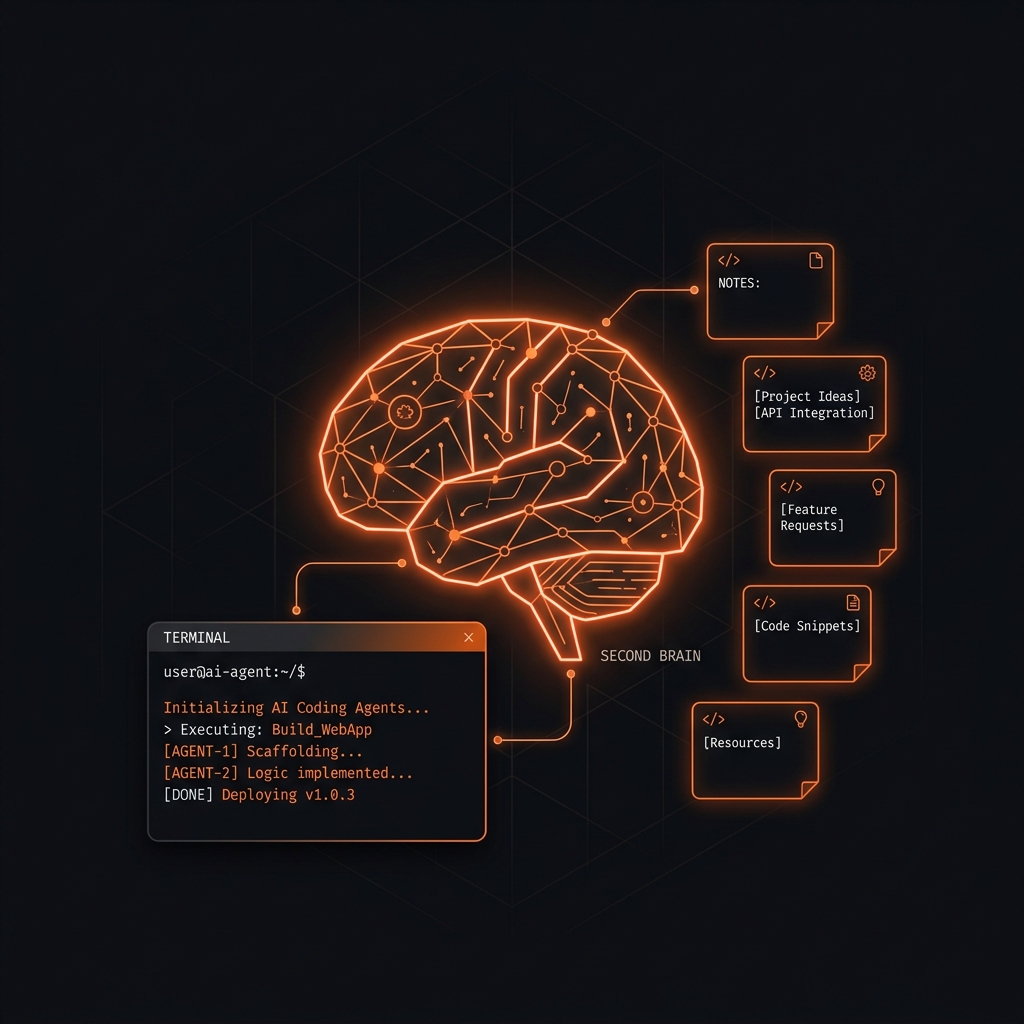
Setting up a Second Brain usually turns into hours of making folders, hunting for plugins, and over-engineering metadata. I wanted to skip that and start from something minimal that actually works.
Andrej Karpathy shared a pragmatic Obsidian setup via a GitHub Gist. Instead of copying it by hand, I had Claude Code read the gist and scaffold the vault for me. That is all Part 1 covers: getting the structure in place.
This is a practice run, not a finished product. The example vault I built while writing this series lives at github.com/stroops/stroops-wiki, so you can see what the structure looks like once it has real content in it.
Step 1: Create the Vault Directory
First, create an empty directory for your new vault and navigate into it.
mkdir second-brain
cd second-brain
Step 2: Launch Claude Code
Start your AI agent in the terminal.
claude
Step 3: The Bootstrap Prompt
We will instruct Claude to read Karpathy's gist and generate the files and directories automatically.
Paste the following prompt:
"Read Andrej Karpathy's LLM Wiki pattern from this gist: https://gist.github.com/karpathy/442a6bf555914893e9891c11519de94f. Scaffold the full directory structure,
index.md,log.md, and the page templates. Two modifications: name the templates folder_templates, and put the generated wiki pages under awiki/folder with subfolderssources,entities,concepts,overviews, andprojects. Generate a comprehensive CLAUDE.md file so that future AI sessions understand the rules of this vault."
Why this prompt works: It doesn't just ask for folders. It tells the agent to read the raw Gist and extract the logic itself, rather than working from a secondhand description of it. Two small deviations from Karpathy's original keep things tidy: _templates (the leading underscore sorts it above your content, so it reads as "meta, not a topic"), and grouping the wiki pages under a single wiki/ folder, including a projects/ subfolder that will hold one hub page per project once we start ingesting real things. And asking for CLAUDE.md up front means the next session, yours or the agent's, doesn't have to re-derive the rules from scratch.
Step 4: Verify the Structure
Once Claude finishes, exit the agent and check your directory structure:
tree -L 2
You should see a clean setup that looks something like this:
.
├── _templates/
├── CLAUDE.md
├── index.md
├── log.md
├── raw/
└── wiki/
    ├── concepts/
    ├── entities/
    ├── overviews/
    ├── projects/
    └── sources/
If you look closely, this structure maps cleanly to Karpathy's three core layers:
- The Schema (
CLAUDE.md): The rulebook that tells the agent how the vault is organized and what the constraints are, so a future session with zero memory of this one can re-orient quickly. - Raw Sources (
raw/): The immutable layer. A dumping ground for unlinked notes, raw copy-pastes, and quick thoughts before they are processed. The agent reads here but never edits. - The Wiki (
wiki/): The AI-maintained layer: a conceptual knowledge base the agent grows for you, organized intosources/,entities/,concepts/,overviews/, andprojects/(one hub page per project, which we start using in Part 2).- Alongside them sit
index.md(your dashboard) andlog.md(your chronological timeline).
- Alongside them sit
Step 5: Open in Obsidian
The structure is ready. Now, point Obsidian to it.
- Open Obsidian.
- Select Open folder as vault.
- Navigate to your
second-braindirectory and open it.
You now have the skeleton: the folders, the rulebook, and empty index.md and log.md. That is all it is at this point, structure. Whether it turns into something useful depends entirely on what you feed it and how carefully you review what the agent writes, which is what Part 2 is about.
References
Here are the links to everything referenced in this post:
What's Next?
We now have the bare-bones structure: a clean skeleton, nothing in it yet. In Part 2: Putting Your Second Brain to Work, we point Claude at a real codebase, turn it into cross-linked pages, then query and lint the result.